

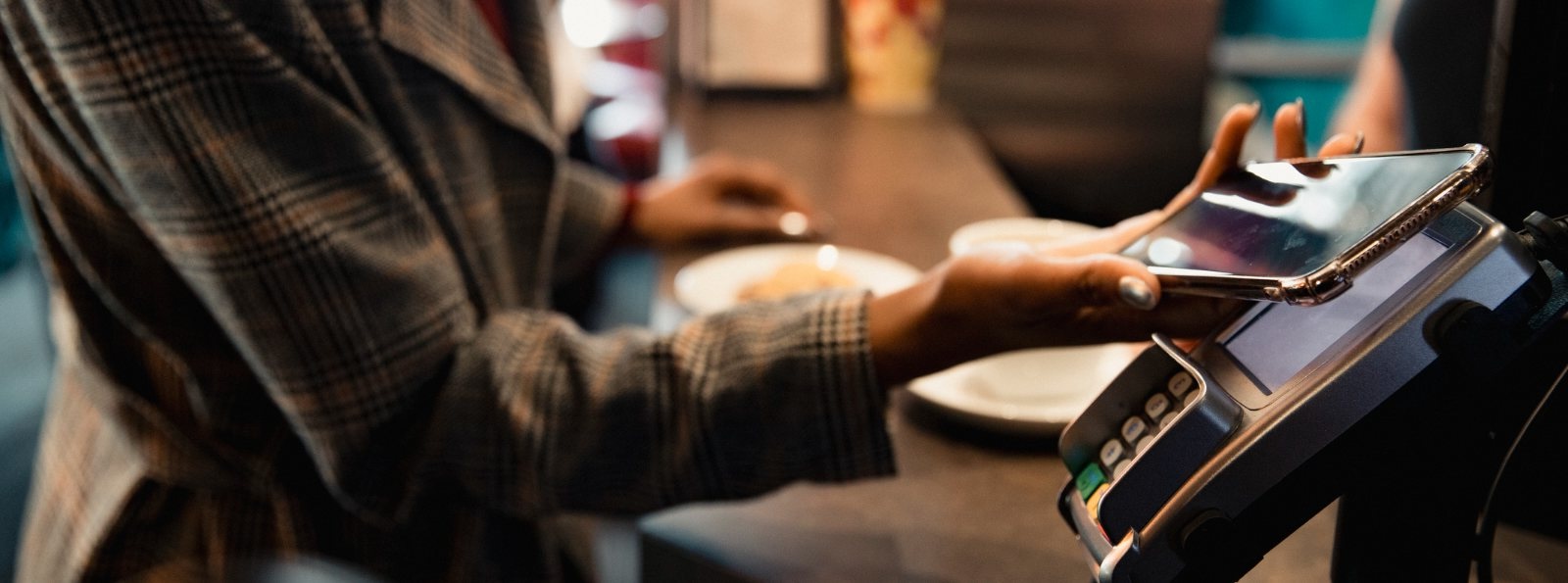
Digital Wallets
No need to pull out your debit card. Simply add it to your digital wallet and use your smartphone, tablet, or wearable device to make purchases in stores, within apps, and online.
Benefits of Mobile Payments
-
Faster checkout - Pay with a quick tap of your smartphone, smartwatch, or other compatible device.
-
Enhanced security - Digital wallets use encryption and tokenization, helping keep your actual card number private.
-
Reduced risk of misplacing your card - Since your card stays in your wallet more often, there's less chance of losing it during a transaction.
-
Touch-free payments - Enjoy a convenient contactless payment experience.
How to add your debit card to your digital wallet:
Apple Pay 
- Open your wallet app
- Choose the "+" sign to add your card
- Select Debit or Credit card
- Tap Continue
- Scan your card with your camera or select "Enter Card Details Manually"
- Review and confirm your card information
- Accept the card issuer's terms and conditions
- Complete any required verification (text message, email, phone call, or banking app verification).
- Once verified, your card is ready to start making purchases with Apple Pay!
Google Wallet 
- Open the Google Wallet app
- Tap "Add to Wallet" at the bottom of the screen
- Select "Payment Card"
- Tap "New Credit or Debit Card"
- Scan your card with your camera or enter the card details manually
- Tap "Save and Continue"
- Review and accept the cards issuer's terms
- Complete the verification process if prompted
- Once approved, your card is ready to start making purchases using your Google Wallet!
Samsung Wallet 
- Open the Samsung Wallet app
- Tap "Add Card" or the "+" icon
- Select "Payment Card"
- Scan your debit card or choose "Add Card Manually"
- Enter any required information, including the CVV/security code
- Tap "Next"
- Review and accept the card issuer's terms and conditions
- Complete the verification process that is prompted
- Once your verification is complete, your card is ready to start making purchases using your Samsung Wallet!